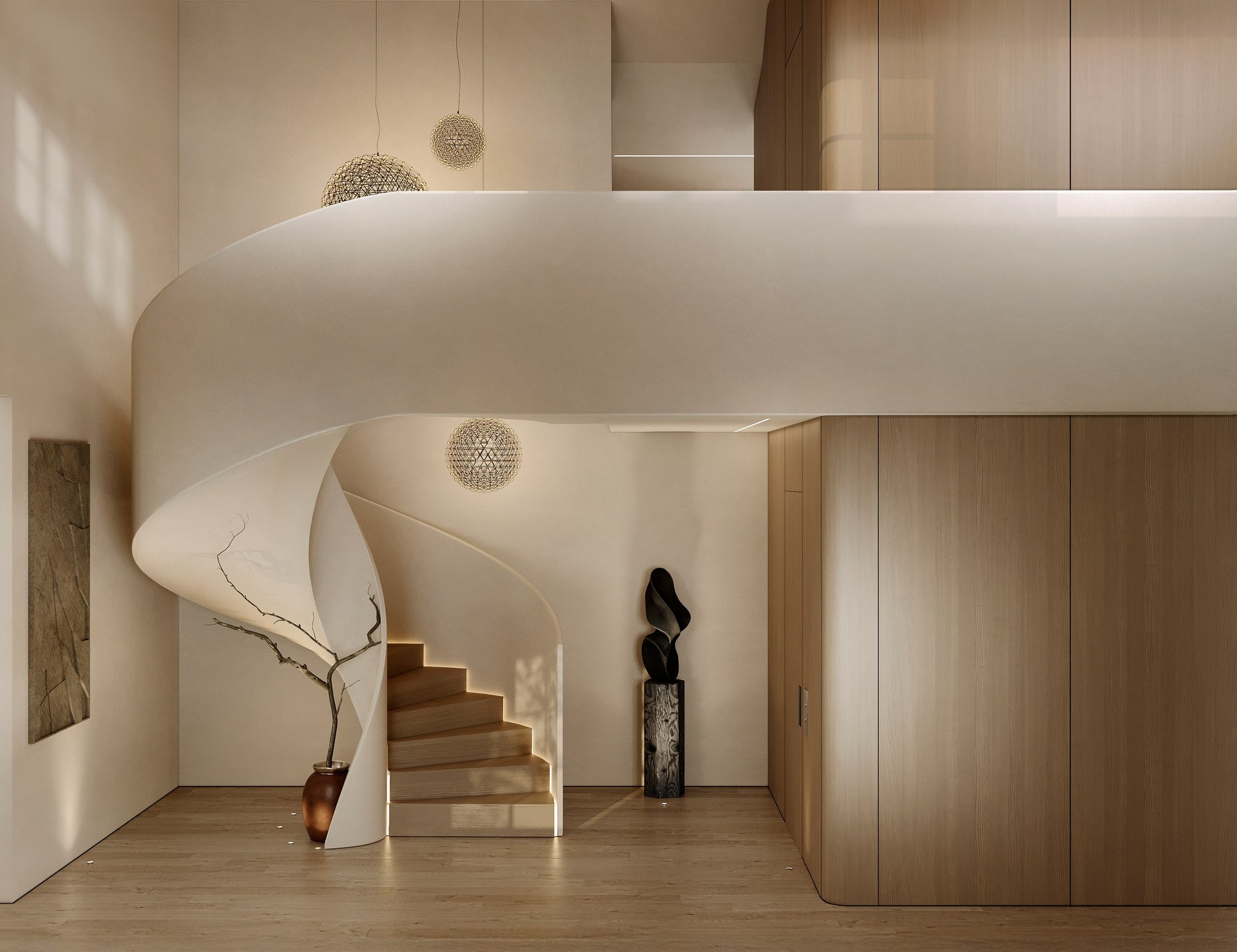
Calculation
Creating your personal space. Start by estimating your project scope.
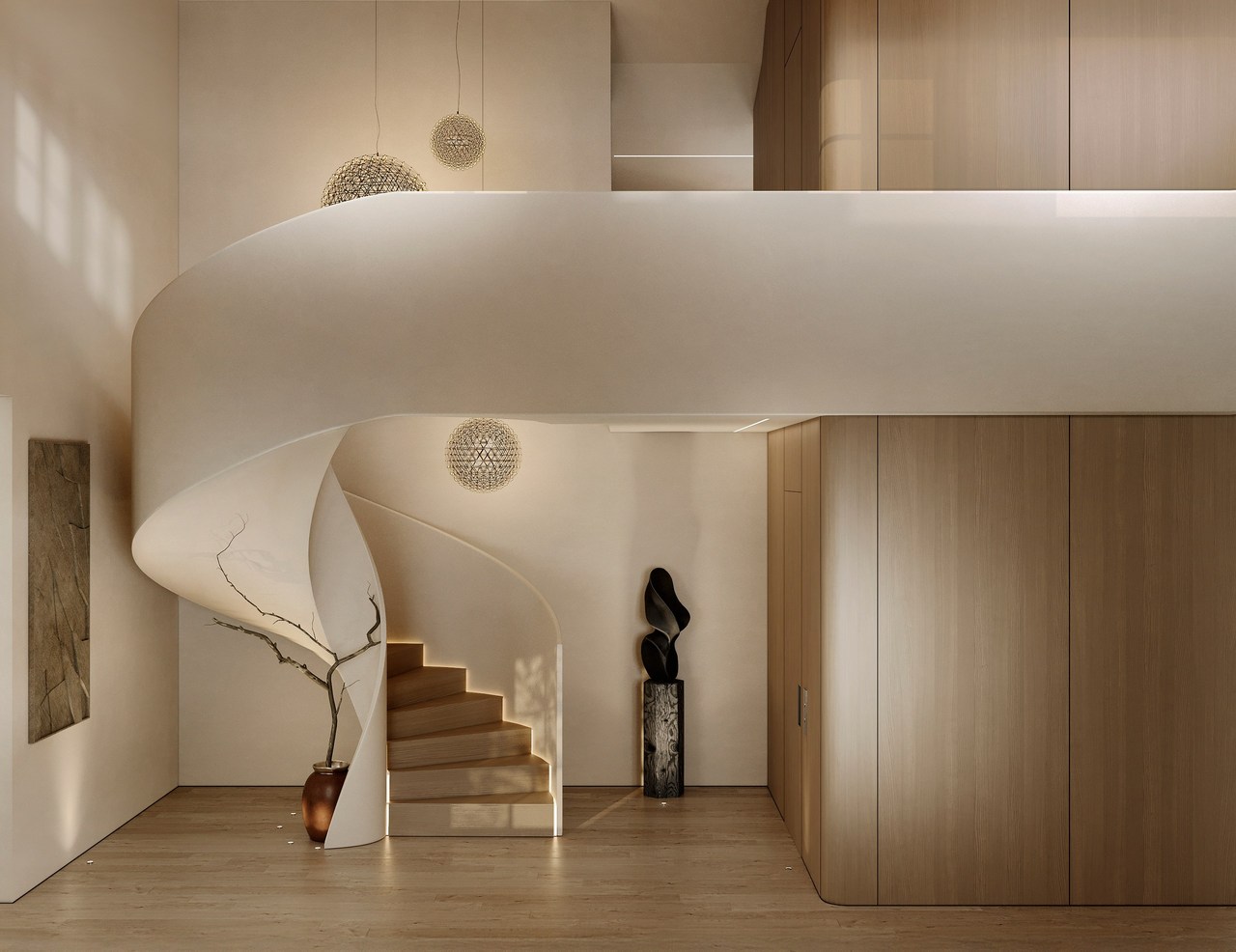
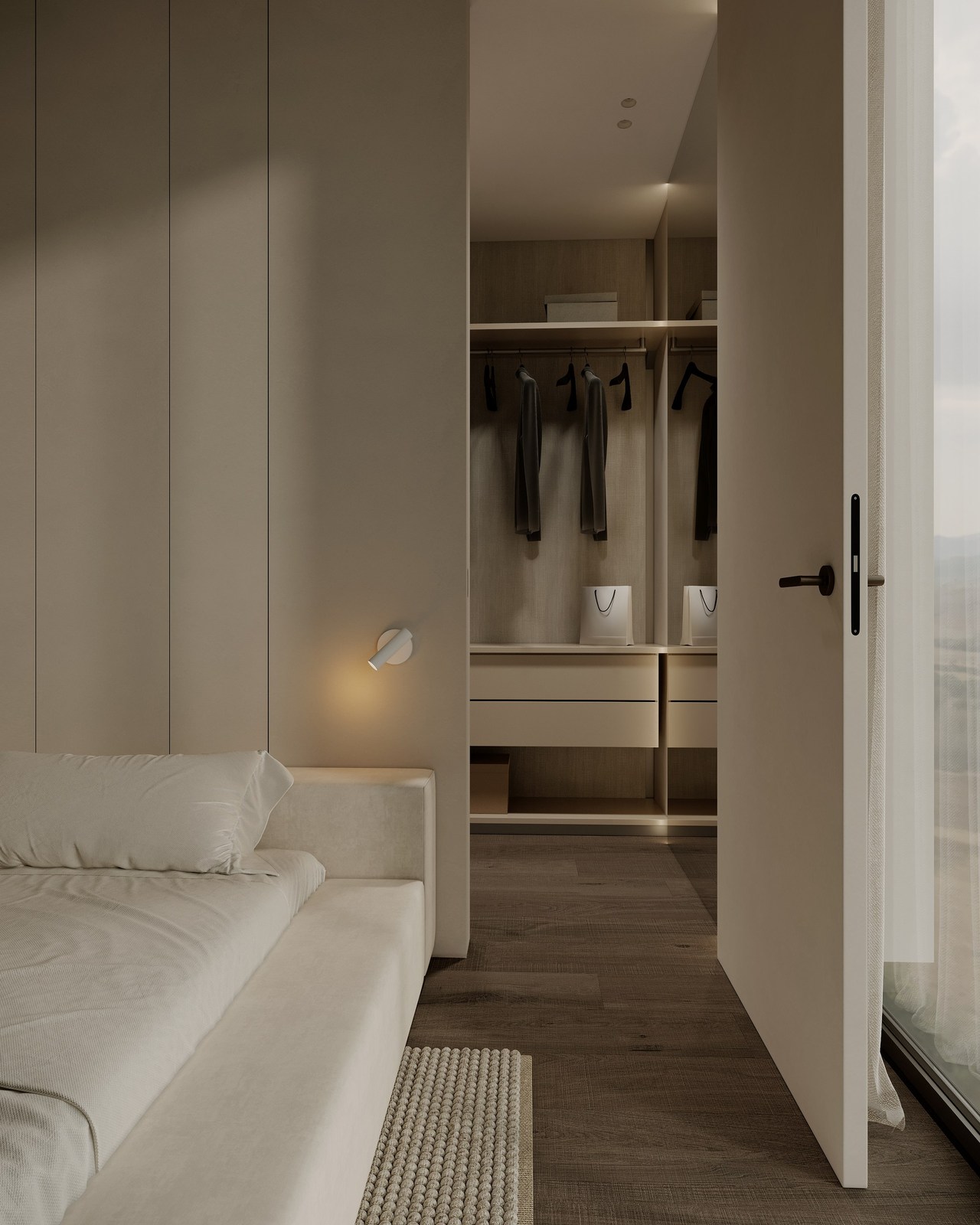
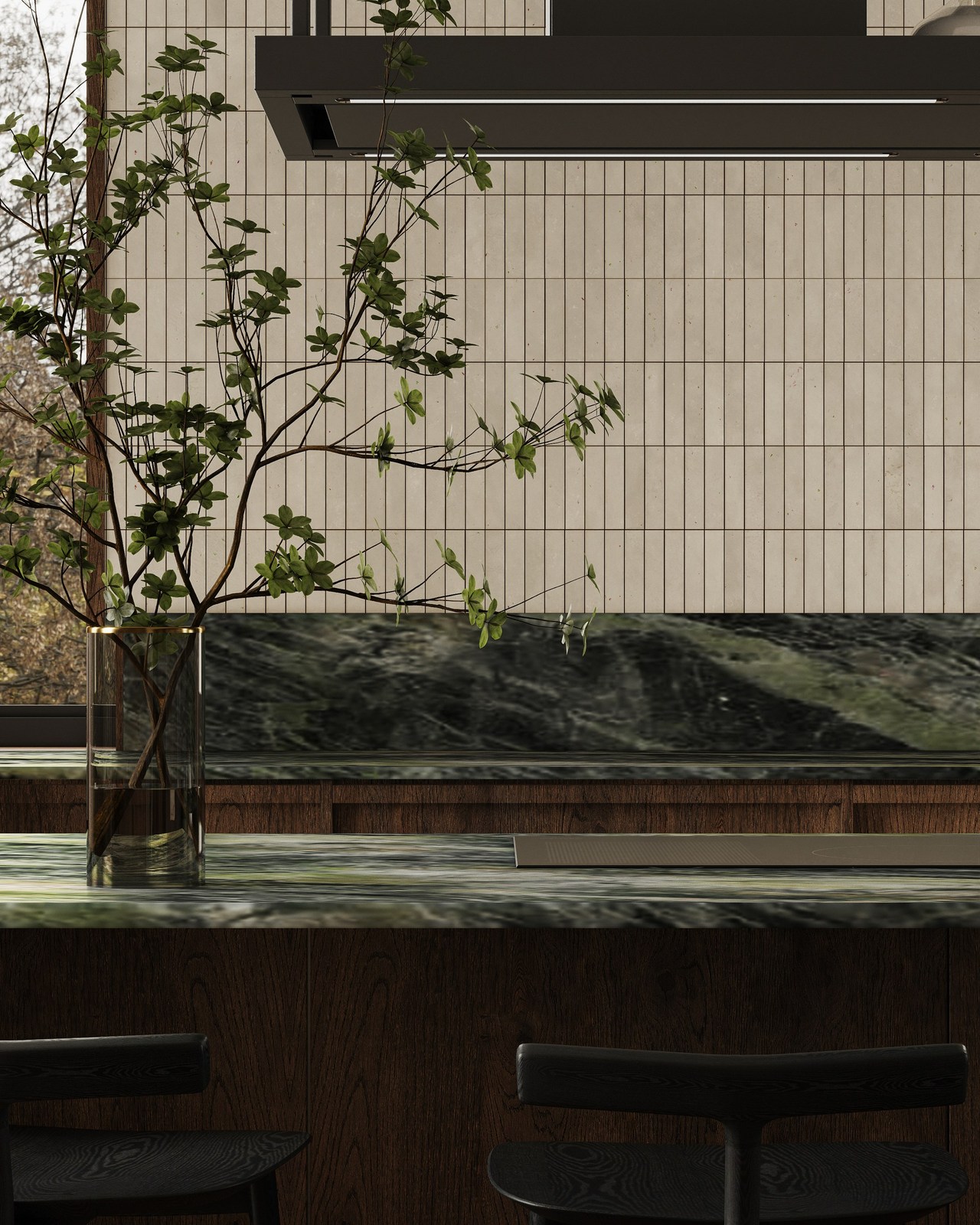
Calculate Your Project
Offer agreement and terms of cooperation
Professional partnership for high-end results
Payment
Prepayment of 50% before the start of the project and 50% after agreement with the client. Final renders are sent after receiving the remaining amount.
Edits
Two cycles of edits are available within the original concept. The third series of edits and subsequent ones are paid additionally.
Copyright
A change of the concept from the original concept is calculated additionally. Edits after the delivery of the project are paid additionally.
Privacy
If for one reason or another this project cannot be published on social networks, it is necessary to warn about this before work starts.
Project Timelines !!!
Projects up to 100 square meters
1 month
For projects between 100-200 square meters
2 months
Completion times may vary based on project complexity and mutual agreement. In case of force majeure, we promptly inform each other.
Stages of work
STAGE 1
- Obtaining a technical task;
- Coordination of terms and cost of works;
- Making an advance payment of 50%.
STAGE 2
- The room is modeled, import and arrangement of agreed furniture, according to the plan.
- Adding decor;
- Setting up lighting, materials;
- Providing for approval an interactive render (preview) with customized lighting and angles;
- *Interactive grayscale rendering on request.
- Entering corrections.
STAGE 3
- Coordination with the customer of the project;
- Making edits;
- Providing an interactive render for approval.
STAGE 4
- Introduction of FINAL edits.
STAGE 5
- Final render in high resolution without noise and in sharpness;
- Post-processing in PS (sRGB - color space / PNG/JPG file format / 2000PX on the long side) Depositing the remaining amount and submitting the render.
Technical task
MEASURED PLAN (DWG format):
- Ceiling height.
- Height of door and window openings.
- window sills.
LAYOUT PLAN AND DIMENSIONS:
- Furniture.
- Fixtures.
MEASURED PLAN (Additional):
- Cabinet furniture.
- Complex knots.
Important Information
If your drawings are created in one of the programs such as Revit, AutoCAD, SketchUp and you create 3D drawings, in addition to the technical task, you need to submit a file saved for 3D Max.
How to prepare your files
Exporting and importing 3ds Max to SketchUp / ArchiCAD / Revit